
Microsoft Access data migration
without losing relationships between records
Export your Microsoft Access data and import it into a modern & secure data app that you can build on.
Video walkthrough (2 minutes)
That’s it!
Once your data is in Grist, you can start building: complex dashboards, forms, custom views and lots more. The structure of a database, the simplicity of a spreadsheet, and the power of a no-code app builder.
Why people migrate from Microsoft Access
Access has been around for a while, and despite flagging support from the IT community and Microsoft itself, it’s still behind many valuable workflows. Access is relatively easy to use and is a novel interface for dealing with small and medium-sized sets of relational data – something that Excel still has trouble doing to this day.
Thankfully, database software has come a long way in the last twenty years, even in the specific niche that Access used to fill. Like Access figured out, you don’t have to use the command line or SQL queries to work with robust databases.
Now, however, no-code database apps can support real time collaboration on different devices. They can leverage Excel and Python formulas for working with and analyzing data. They’re also a solid foundation for building AI-powered applications and workflows.
Common complaints
- Lack of support and future development
- Poor collaboration capabilities
- Not suitable for many enterprise workflows
- Limited to desktop environments
- Outdated user interface
How Grist helps
Grist turns the relational data running your business into secure applications.
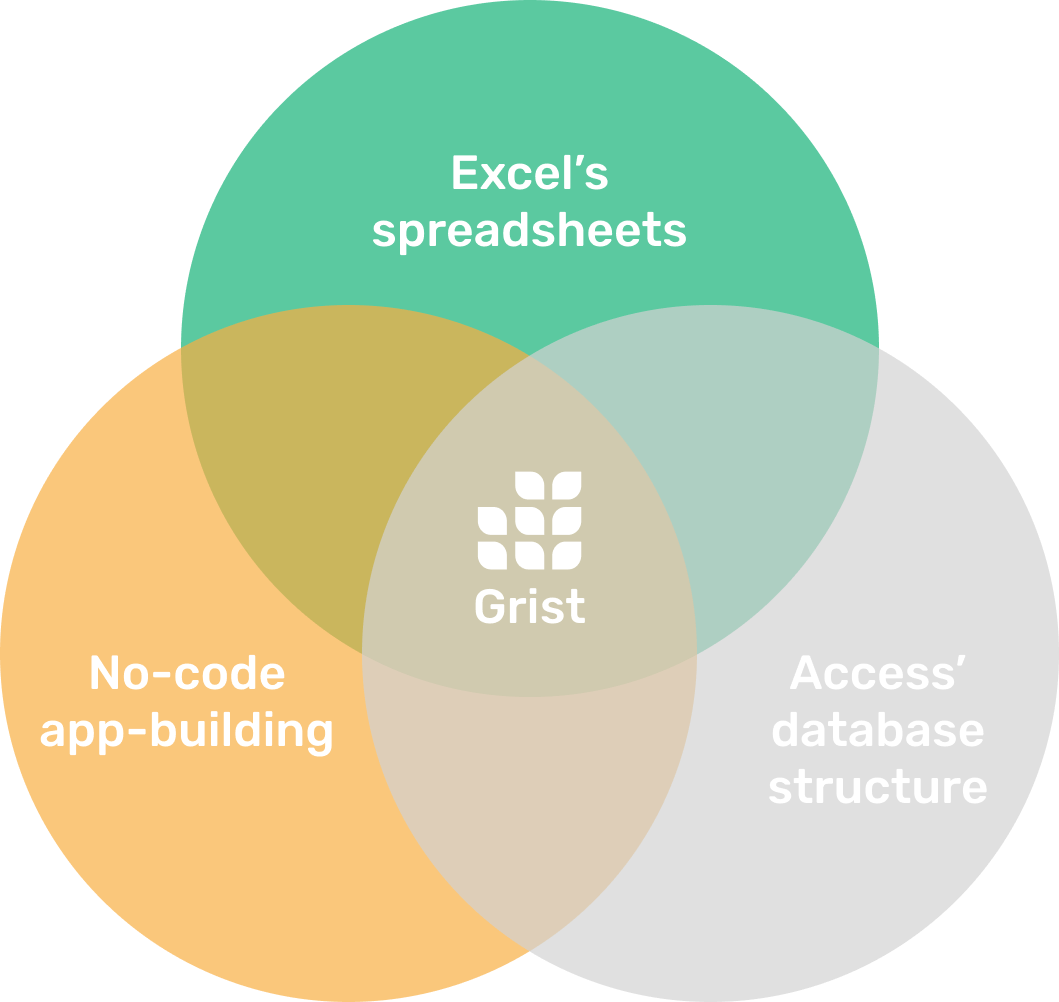
It leverages the spreadsheet interface of Excel and the database structure of Access, letting you build robust and reliable no-code apps and workflows.
It also keeps your data in your hands. Always.
Learn more about why Grist is a worthy Microsoft Access alternative.
Learn more
Grist minds its business
Self-hosting option for complete data control.
Access rules enforced at API and database level, not just UI.
Open source codebase allows security auditing.
Comprehensive admin controls for workspace, user and document management.
Templates
Ready-to-use templates
Get a running start with many templates to choose from,
to use as is or customize to your needs.
Expense Tracker Template
Streamline expenses management by allowing employees to edit their own expenses, while protecting sensitive data.
View TemplateClass Catalog and Enrollments Template
Manage class enrollment and student data efficiently with our easy-to-use relational spreadsheet.
View TemplateLightweight CRM Template
Manage customer info and interactions in a user-friendly, spreadsheet-style CRM template.
View Template