
The self-hosted alternative compliance teams can actually approve
- Import your Airtable data automatically
- Preserve relationships, links, and attachments
- Self-host everything
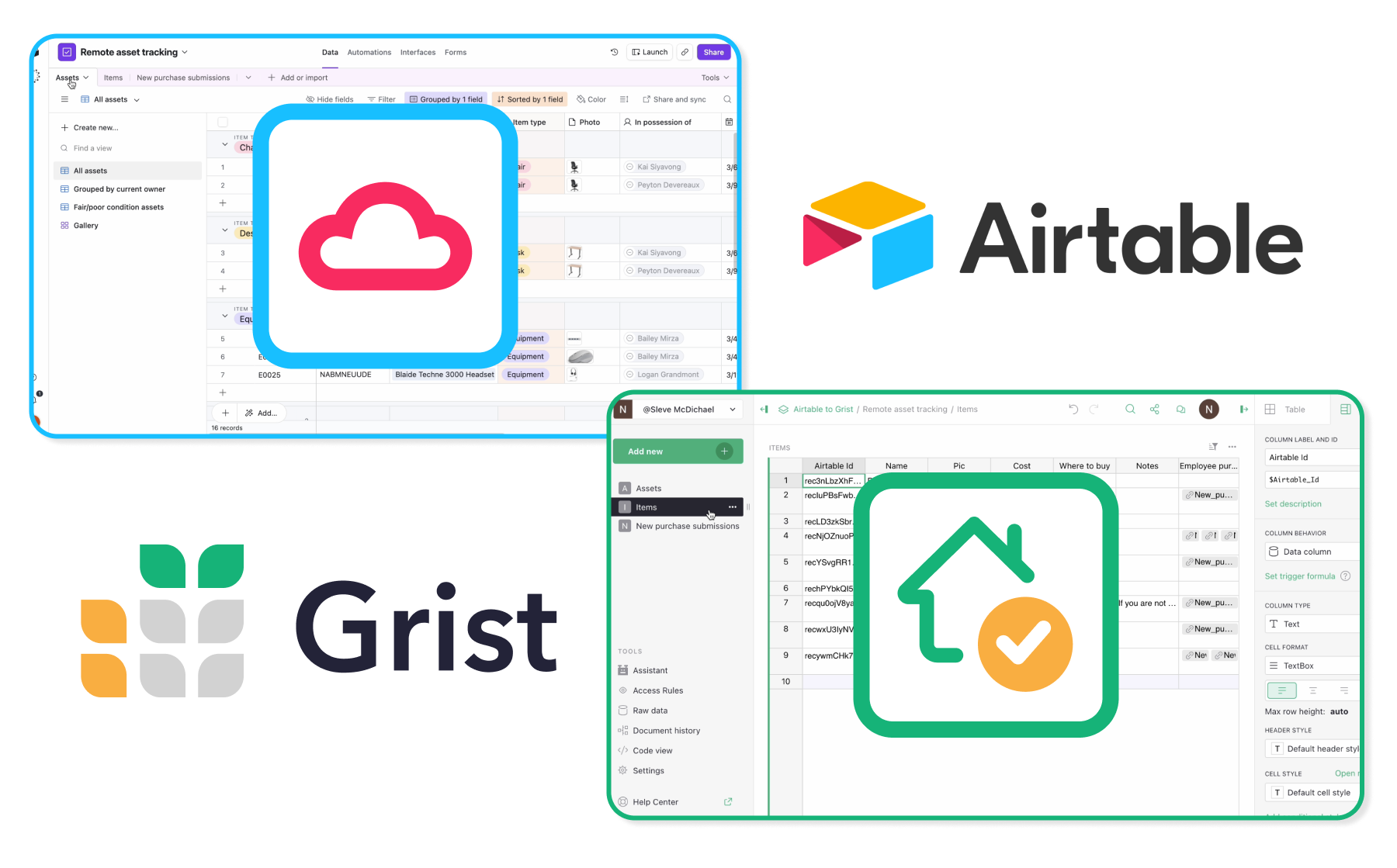
Can you self-host Airtable?
No, you can’t. If you have specific security requirements, need to host everything on-premises, or just want to control your data and your software, you’ll need a different solution. Grist has a long history, and it starts with data sovereignty.
As a platform, Grist features relational data with spreadsheet views, custom dashboards and no-code app building. See below for a detailed feature comparison.
We’ve also developed a custom Airtable base importer that will help you migrate your data, relationships, and even attachments in minutes.
Quick comparison
| Grist | Airtable |
|
|---|---|---|
| Self-hosted deployment | Yes | No – cloud only |
| Data residency | Your servers, your region | US-based servers or EU via AWS |
| Row-level permissions | Yes — row, column, and cell level | Limited |
| Open source | Yes — auditable on GitHub | No |
| Python formulas | Yes | No |
Why do organizations with security requirements switch to Grist?
Grist is 100% self-hostable for on-premises deployment, or available with managed hosting around the world.
Grist presents a lowered risk profile thanks to comprehensive and highly-customizable role-based access rules, letting you limit access and exporting down to the row. You can also test these roles interactively to make sure access is properly limited.
Grist is built around fully portable data with no lock-in mechanisms. A Grist file is an SQLite database, and always able to be exported elsewhere – subject to access rules, of course.
How can I deploy Grist?
Secure SaaS
Hosted on getgrist.com and ready to go. The easiest way to start using Grist or to test out features before deploying on-premise.
Managed server
Grist Labs deploys and manages Grist on a dedicated server in a region of your choice. Gives you the customization of self-hosting, but leaves the devops and maintenance to us.
Self-hosted
Serve containerized via Docker or compile directly from source. Configure everything to fit your requirements: SSO, storage, sandboxing, snapshots, styling, and much more.
Does Grist have the same features as Airtable?
Grist isn’t an Airtable clone, but it also organizes relational data in a way that lets you collaborate and build no-code apps without custom development. Airtable excels at consolidating workflows, and teams love its polished interface for basic project tracking and simple data organization.
But if you’re working with complex data relationships, need granular access controls, or require more powerful formulas, Airtable may fall short.
| Airtable | Grist | |
|---|---|---|
| Spreadsheet interface | ✔ | ✔ |
| Relational data | ✔ | ✔ |
| Data visualizations | ✔ | ✔ |
| Reporting | ✔ | ✔ |
| Real-time collaboration | ✔ | ✔ |
| Automations | ✔ | ✔ |
| AI assistant | ✔ | ✔ |
| Data types / structured data | ✔ | ✔ |
| REST API / webhooks | ✔ | ✔ |
| Forms | ✔ | ✔ |
| Integrations | ✔ | ✔ |
| Drag-and-drop layouts | ✔ | ✔ |
| SSO authentication | SAML (only on Business or Enterprise). | OIDC and SAML (Enterprise, or self-hosted full edition). |
| Interactive API console | X | Developers can explore, test, and experiment with the Grist API. |
| Python support | X | Native Python support for advanced calculations and data manipulation. |
| Granular access controls | Table and field-level permissions (paid plans); view-level sharing. | Access controls down to the individual cell level. |
| Self-hostable | X | Self-hostable. Open source. No data lock-in. SQLite file format. |
How do I import my Airtable data?
1. Add new
Select “Import from Airtable”.
2. Authorize
Authorize using “Connect with Airtable” or a private access token.
3. Select data
Select which base and tables to import. Keep all data, just the structure, or skip a table entirely.
4. Import
Data, attachments, and relationships, all in a spreadsheet that you control.
That’s it!
Once your data’s in Grist, it can actually be yours. Self-host for complete sovereignty, and take advantage of all of Grist’s other advantages to see why people are migrating.
Learn more
Why should my organization self-host Grist?
You don’t have to self-host Grist, but here are some common benefits we see in larger deployments:
Address governance, compliance or data residency requirements.
Integrate into your organization’s SSO.
Run with extra CPU and memory for more power.
Create advanced customizations and integrations.
Grist for Enterprise
All Grist features
Priority support
Security alerts
Frequently asked questions
No, Airtable cannot currently be self-hosted.
Grist being fully self-hostable means you can deploy it on servers you own and administer. Using Airtable requires you to use their servers in the US or EU.
The French government deploys Grist as part of its digital suite for thousands of public sector workers.
Grist is a general tool and is used in many different capacities. Aside from the French public service, some of the largest Grist deployments are in manufacturing (Maddox), aerospace (NP Aerospace) and utilities (AEP). All of these industries have strict security needs, including on-premises hosting as an absolute requirement.
Learn more about self-hosting Grist in our Help Center, and visit grist-core repo on GitHub to view the source.
Using our new migration tool, you can import your Airtable bases into Grist in minutes. This process preserves data relationships and even attachments.
For very large documents with lots of attachments, the migration process can take longer.
Yes. The main grist-core repository is open source (Apache License, Version 2.0). Grist Labs also sells an edition of Grist with additional features.
Take control of your data
Unlock your data’s true potential with the better spreadsheet
