
Everyone’s building their own interfaces, but how they do it matters. Grist’s Widget Creator is the best way to do this. Start composing your interface in seconds, knowing that your interface code, raw data and access controls are all stored in a single document. No external databases or webservers to connect to, no fragile permissions layers, and no data lock-in.
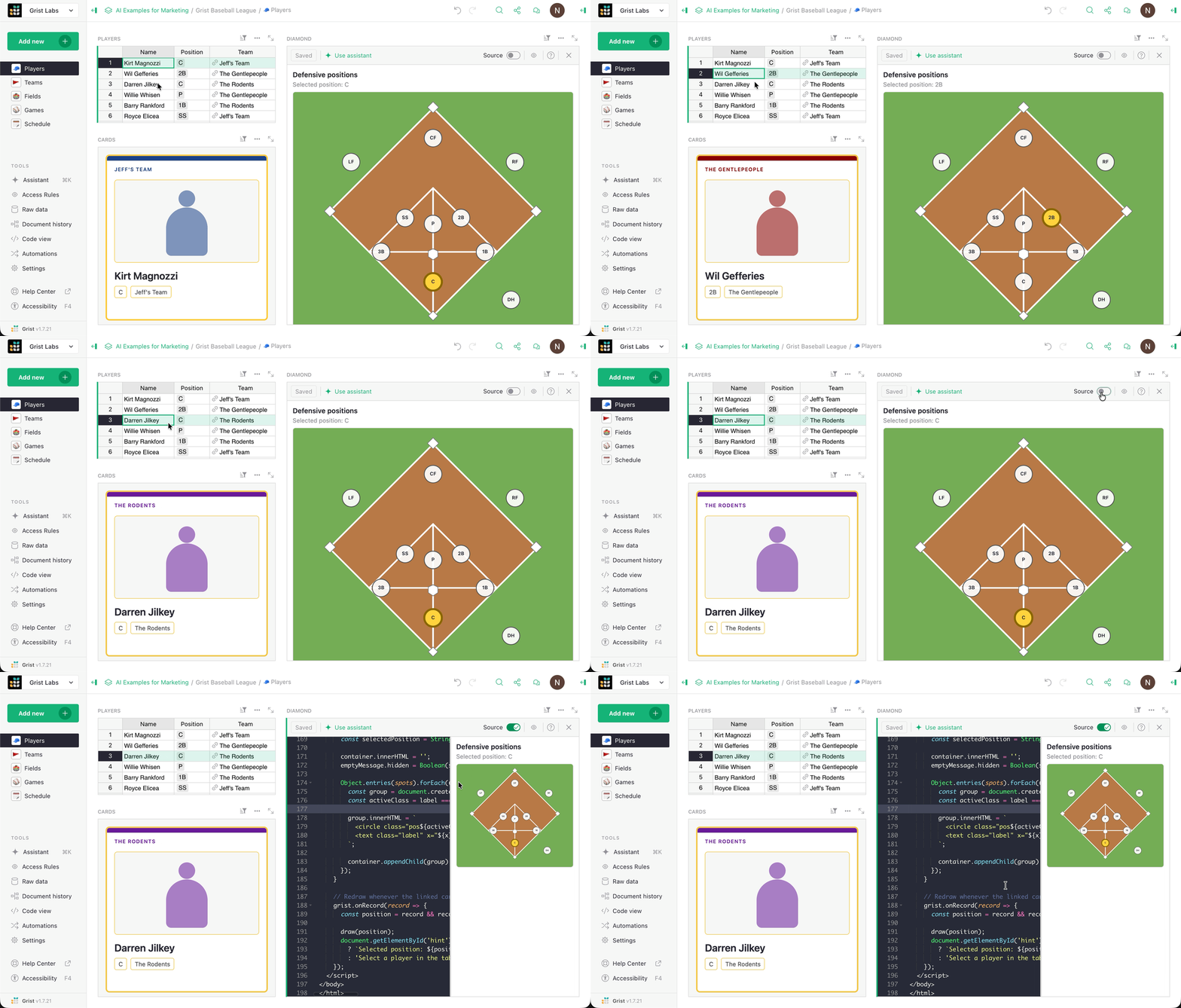
Regardless of where you stand on the UI is dead argument, it’s clear that UI has become more relevant to the end user of any given software. It used to be that if a piece of software presented you with an interface, barring some toolbar and window tweaks you were kind of stuck.
With talented designers behind the scenes, that was often a good thing. But AI tools have made high-level UI design achievable for almost anyone, and this can be a good thing too. For example: the world contains a near-infinite number of software workflows with specific needs and requirements. More often than not, these require highly opinionated interfaces.
Now, users can carve these opinions into raw HTML and JavaScript using AI tokens, and we think Grist’s Widget Creator is the best way to do it: for the end user – and perhaps more importantly – everyone else (with a special focus on the IT team).
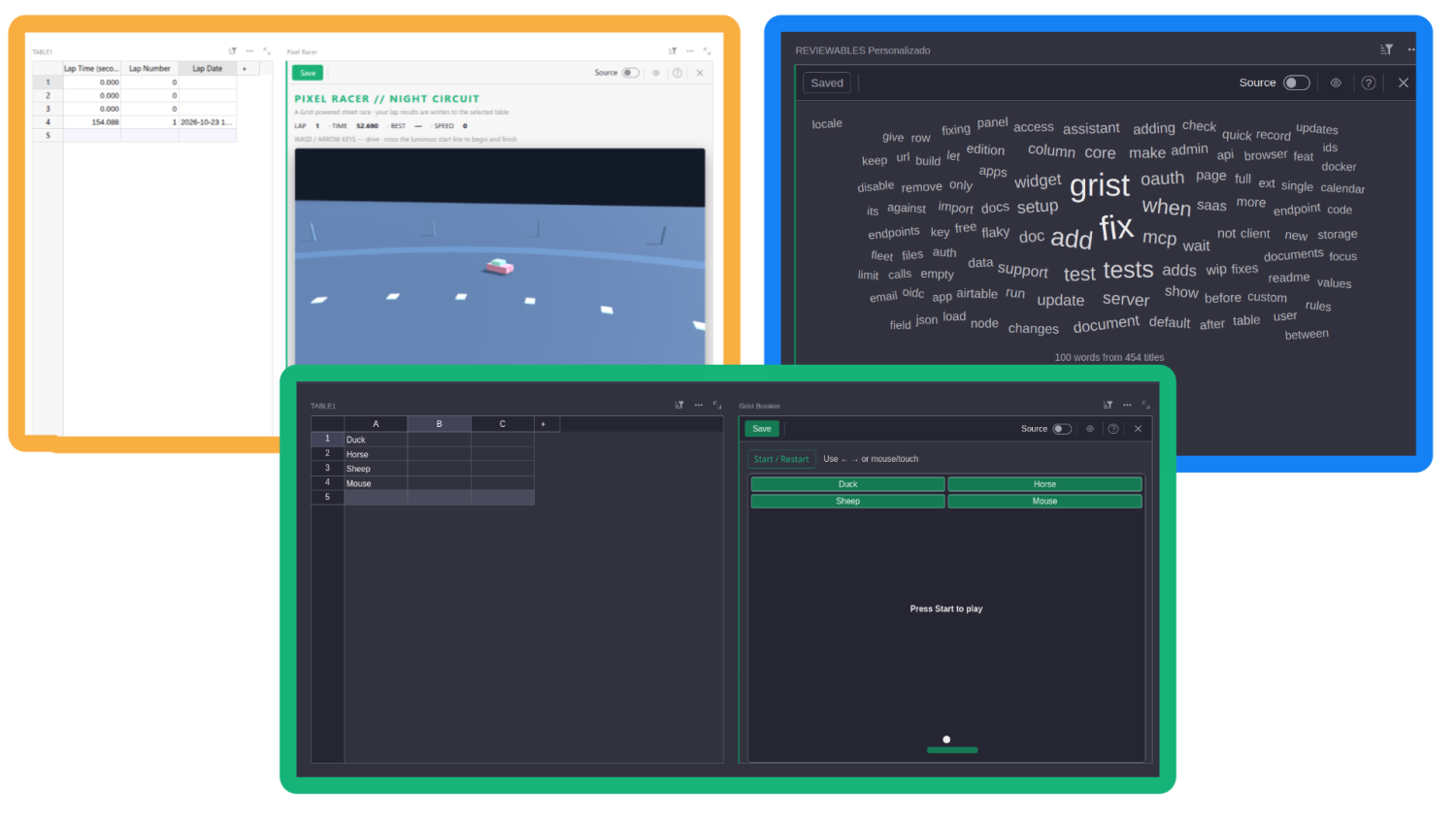
But first, a secret:
People will build interfaces in whatever tool they can
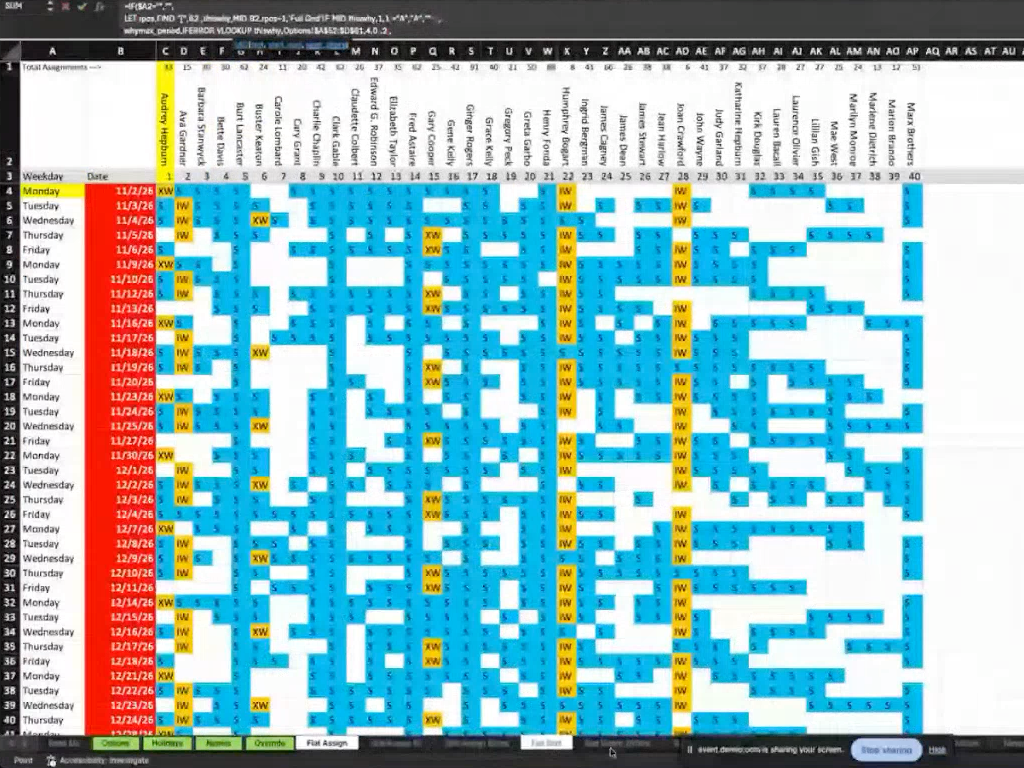
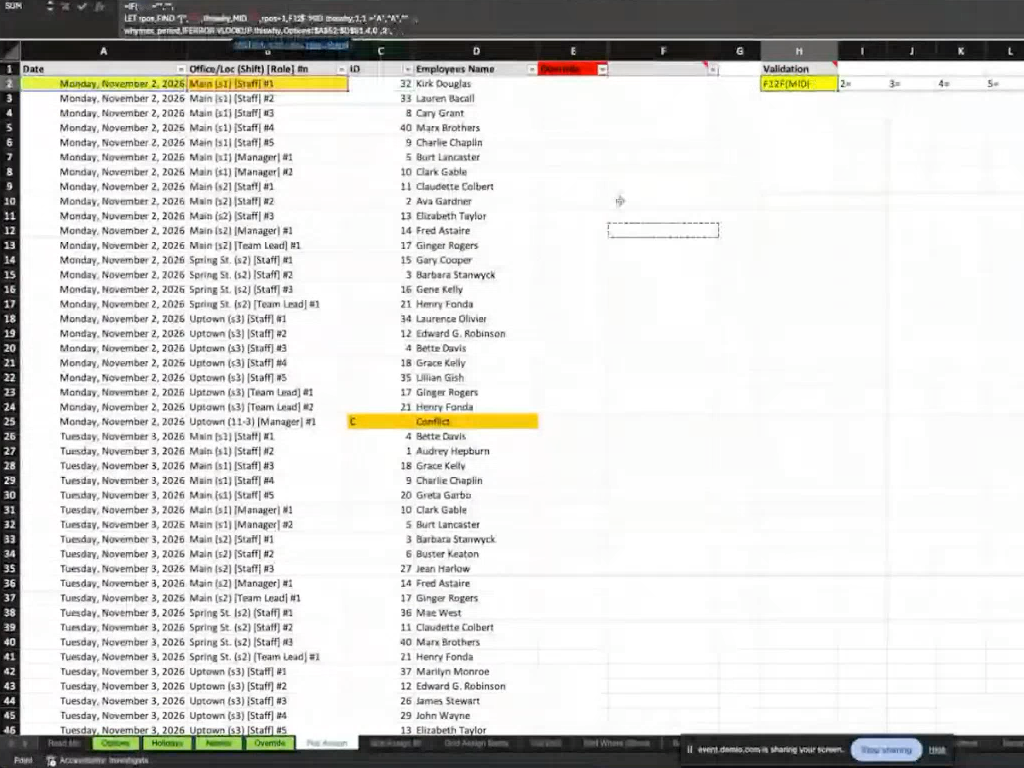
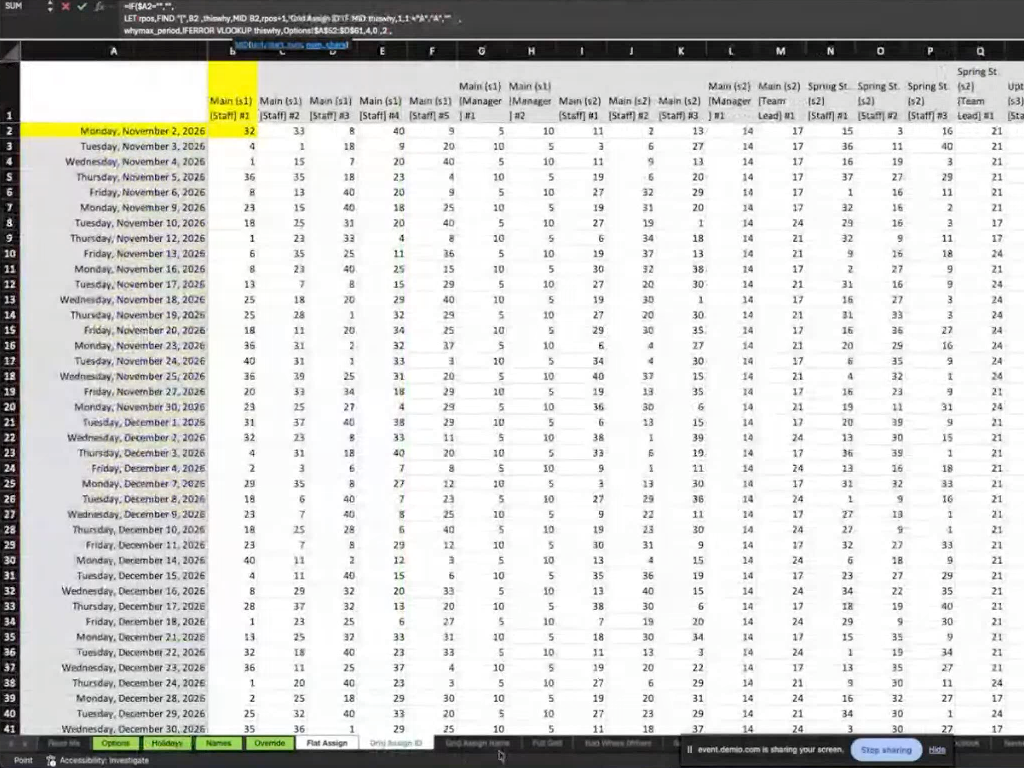
Despite the hype, often the most basic spreadsheet user is familiar with UI design. Users of general purpose software like spreadsheets always built interfaces, but have only recently had the ability to do so outside of a very small set of tools. Some of these conventions (taken from a recent MCP-guided Excel migration webinar) might look familiar:
Excel custom interface
Grist Widget Creator
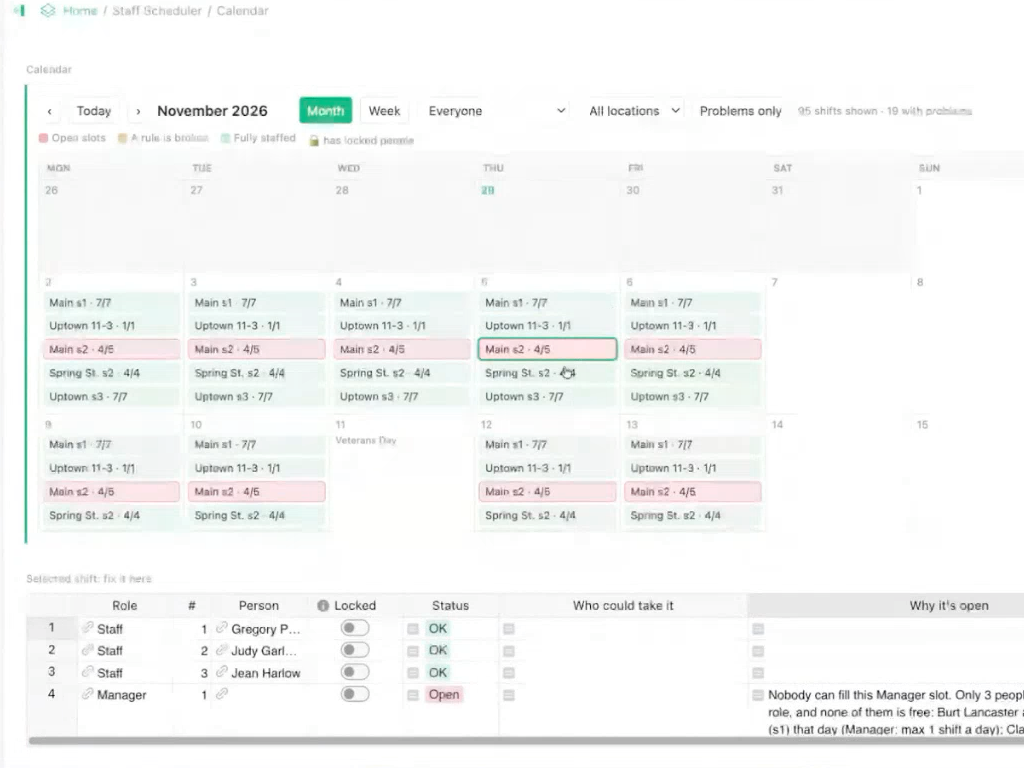
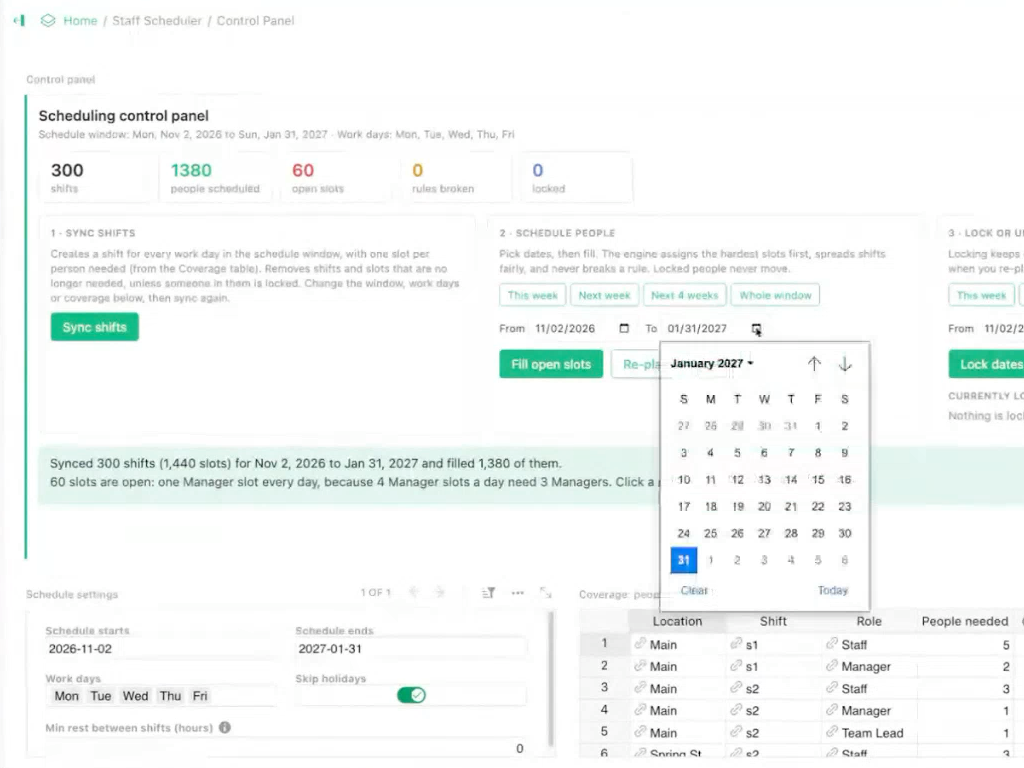
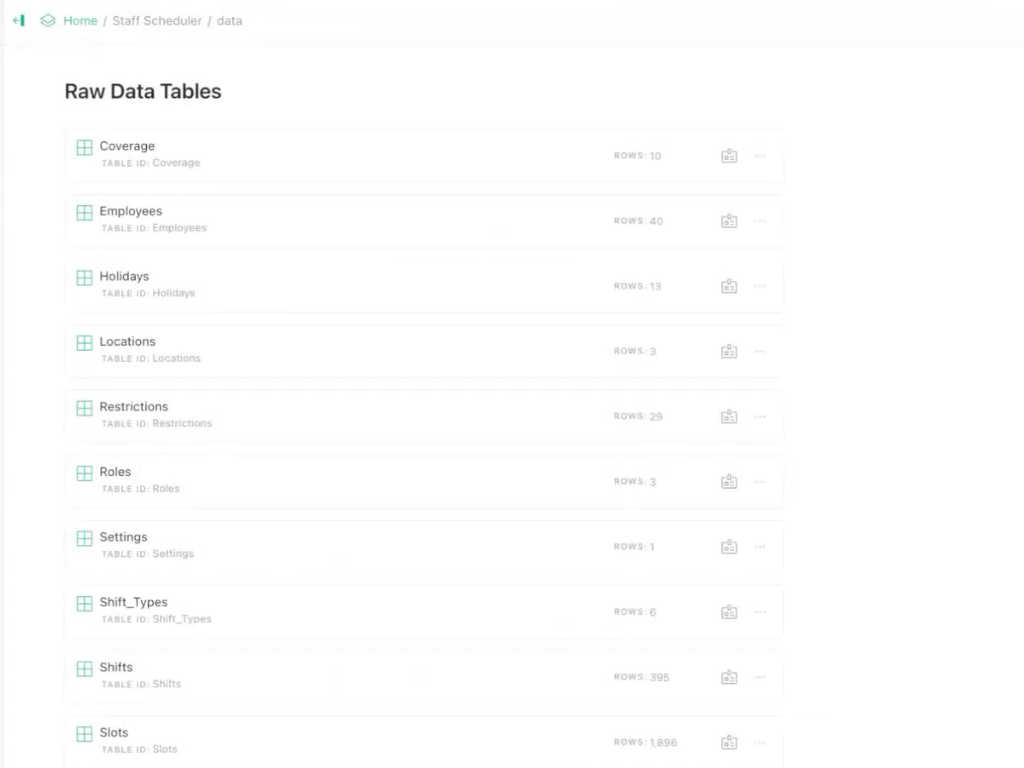
These custom interfaces have lots of problems: they are fragile, they are often insecure, and they often rely on hacks or workarounds which use features in unintended ways. Custom AI-coded interfaces using HTML and JavaScript are not foolproof, but Grist makes them a lot more robust than you are probably thinking.
What’s a widget, and how do you create one?
We’ve talked before about why Grist’s file format makes it ideal for composing custom interfaces, so let’s go into the Widget Creator itself. It’s the product of continual iteration and community feedback. The Widget Creator is actually the last in a long line of ways to build custom widgets (Grist’s term for a custom view built using HTML/CSS/JS):
- The default custom widget, hosted on a separate server. This has the advantage of being easily reusable and maintainable once hosted (it’s just a URL you paste into Grist).
- The custom widget builder custom widget (yes, we called it that). The real inspiration behind the Widget Creator, but having separate panes for HTML and JS.
- The Vibe View widget. A widget designed specifically for creating templated read-only views of Grist data using LiquidJS, back in the heady days of AI copy/paste.
Here’s what the current version looks like:
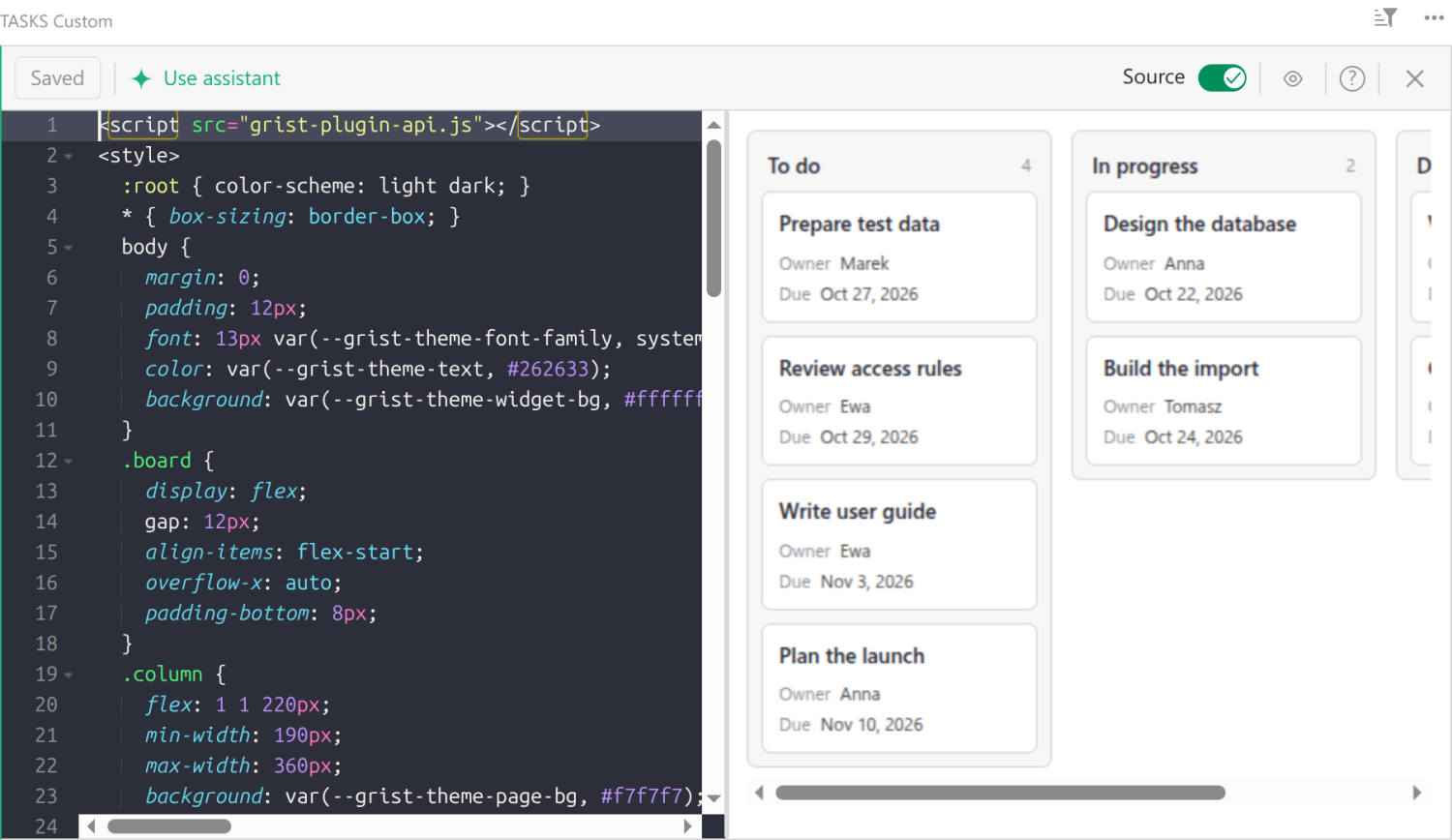
If you’re using AI, building something couldn’t be simpler: you either ask the AI Assistant to build a custom widget for you, or use Grist’s MCP server to do so. Both have intimate knowledge of Grist, as well as the Widget Creator and its capabilities. If you’re building on your own, just use the code editor and watch as the live preview does its thing.
Here’s a bare-bones example, which generates a raw HTML table out of a Grist table data. It doesn’t get more bare-bones than that.
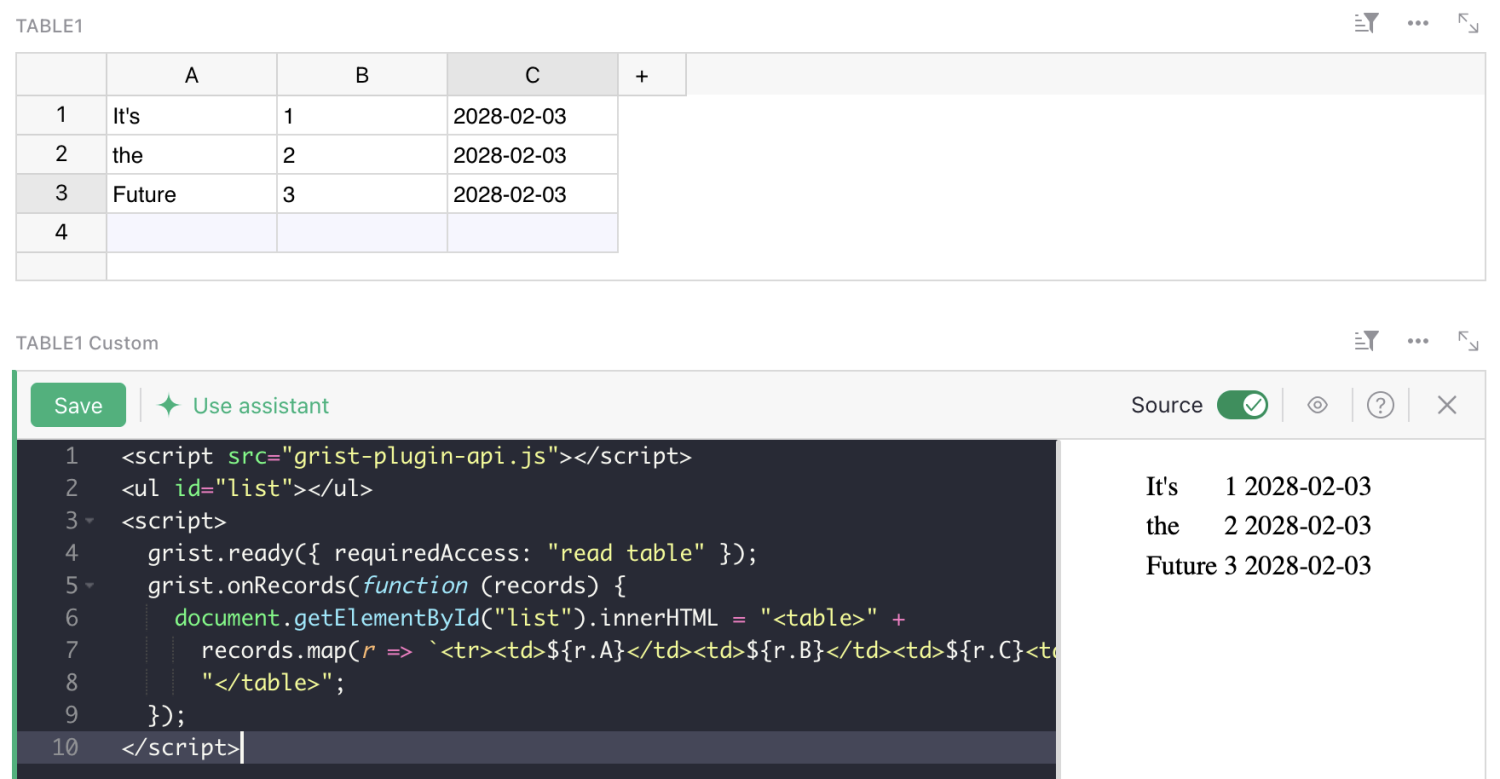
And this is all the code, which gets saved in the Grist document (along with all the data, as always).
<script src="grist-plugin-api.js"></script>
<ul id="list"></ul>
<script>
  grist.ready({ requiredAccess: "read table" });
  grist.onRecords(function (records) {
    document.getElementById("list").innerHTML = "<table>" +
      records.map(r => `<tr><td>${r.A}</td><td>${r.B}</td><td>${r.C}<td></tr>`).join("") +
      "</table>";
  });
</script>
If you have tabular or relational data, the best way to build your own interface is waiting. No data lock-in, no separate hosting, and robust access control right out of the box.
See it in action
In this webinar, Grist CEO Anais used MCP and the Widget Creator to migrate a complex Excel document into Grist.
Despite the source document’s complexity, we never even have to dive into the code editor to make changes, as the MCP is able to build, debug, and iterate based on Anais’ input.
