
Open-source and Self-hostable
A modern alternative to Microsoft Excel
Turn mission-critical spreadsheets into secure, scalable applications.
The spreadsheet interface, evolved
A Microsoft Excel alternative that combines the flexibility of a spreadsheet with the structural integrity of a relational database. It serves as the “fourth option” between risky spreadsheets, expensive custom development, and SaaS you can’t control.
More than a frontend
Grist handles data from top to bottom, from SQL to advanced visualizations, all without taking away control of your data.
True relational structure
Replace brittle VLOOKUP links with records that update instantly across your entire document.
Granular access rules
Move from password protecting a sheet to row and column-level permissions (including down to the individual cell).
Python-powered analysis
Swap complex, unreadable Excel formulas for clear Python logic (Grist supports both).


Eliminate the load-bearing spreadsheet risk
When operations scale, Excel files become critical workflows running on fragile infrastructure. Grist turns these liabilities into secure applications, removing the risk of business continuity failures.
Single source of truth
End the final_v3_really.xlsx nightmare with one live version and automatic snapshots.
Data integrity
Prevent copy-paste errors with strict data typing and relational links.
Secure collaboration
Allow teams to edit simultaneously without file locking or overwriting data.
Audit trails
See exactly who changed what and when to ensure compliance.
Grist is the best Excel alternative for:
IT leaders needing to secure mission-critical operational data
Teams hitting the limits of VLOOKUPs and shared drive file locking
Organizations requiring self-hosted data for compliance
Engineers and analysts who want Python power in a spreadsheet interface

“I love Grist. It’s crazy powerful. I still can’t believe what we’ve been able to achieve in it. It’s the dream that low-code was sold as for years – we can do incredible things in each column with Python and we can build our own widgets to run on those! Wild!”
Elliot Lee
User Researcher
“Grist has become our go-to for more complex, structured data. It sits somewhere between Excel and Access—powerful, relational, and flexible enough for prototyping real data-driven applications.”
Olivier Lambert
CEO at Vates
“The more I use Grist, the more I LOVE it. I have been surveying self-hosted database GUI tools, and I was consistently disappointed with their shortcomings or bugginess. Grist is the first to have tilted the balance the other way.”
Stephen S.
Publications, Personal City Guides
“Grist has given us incredible flexibility to solve data problems and find solutions, whether it is for a small team at the district, or at scale with the entire district staff. We’re really excited about the different ways we can use it going forward.”
Director of Product
EdTech Company
“What I like about Grist the most is its focus. It appears simple, but it’s very powerful in a focused way. Grist has really improved our workflow and communication.”

Chris Scott
Co-founder in Digital Marketing
“If people spend some time learning a new tool they’ll have more power to do their work and research. I said to one of my students, ‘You will be very very happy using Grist because you are miserable using Excel!'”

Eduardo Dalcin, Ph.D.
Biodiversity Informatics Expert
“Most CRMs don’t work the way Grist works. Grist’s layouts are simple and do exactly what we need.”
Jennifer Bledsoe
IT Tech at Law Firm
“I discovered Grist after becoming frustrated with the limitations of Excel and Google Sheets. Grist has been a breath of fresh air, especially with its ability to handle structured data in a way that feels familiar to anyone with experience in relational databases, but with the added flexibility of Python.”
Will Bailey
Small Business Manager
“Sharing an Access database is near impossible, but Grist makes sharing a relational database simple.”
Walt Rice
IT Consultant
“I needed an open-source master database that could connect to n8n and AI tools. After trying Notion, Airtable, Siyuan, Baserow, and NocoDB, I chose Grist for its Python-native AI support, flexible integrations, and simple n8n connections.”
Robin A.
Project Manager
“I’ve worked extensively with NocoDB, Notion, SeaTable, and Baserow, and Grist really stands out. The balance between spreadsheet-style flexibility and structured, low-code database design is excellent.”
Andriy Kostyuk
Automation Engineer, Founder at Enceladus
Migrating from Excel to Grist
Transitioning from traditional spreadsheets to Grist introduces a powerful database environment. The process is designed to be seamless for your existing Excel files.
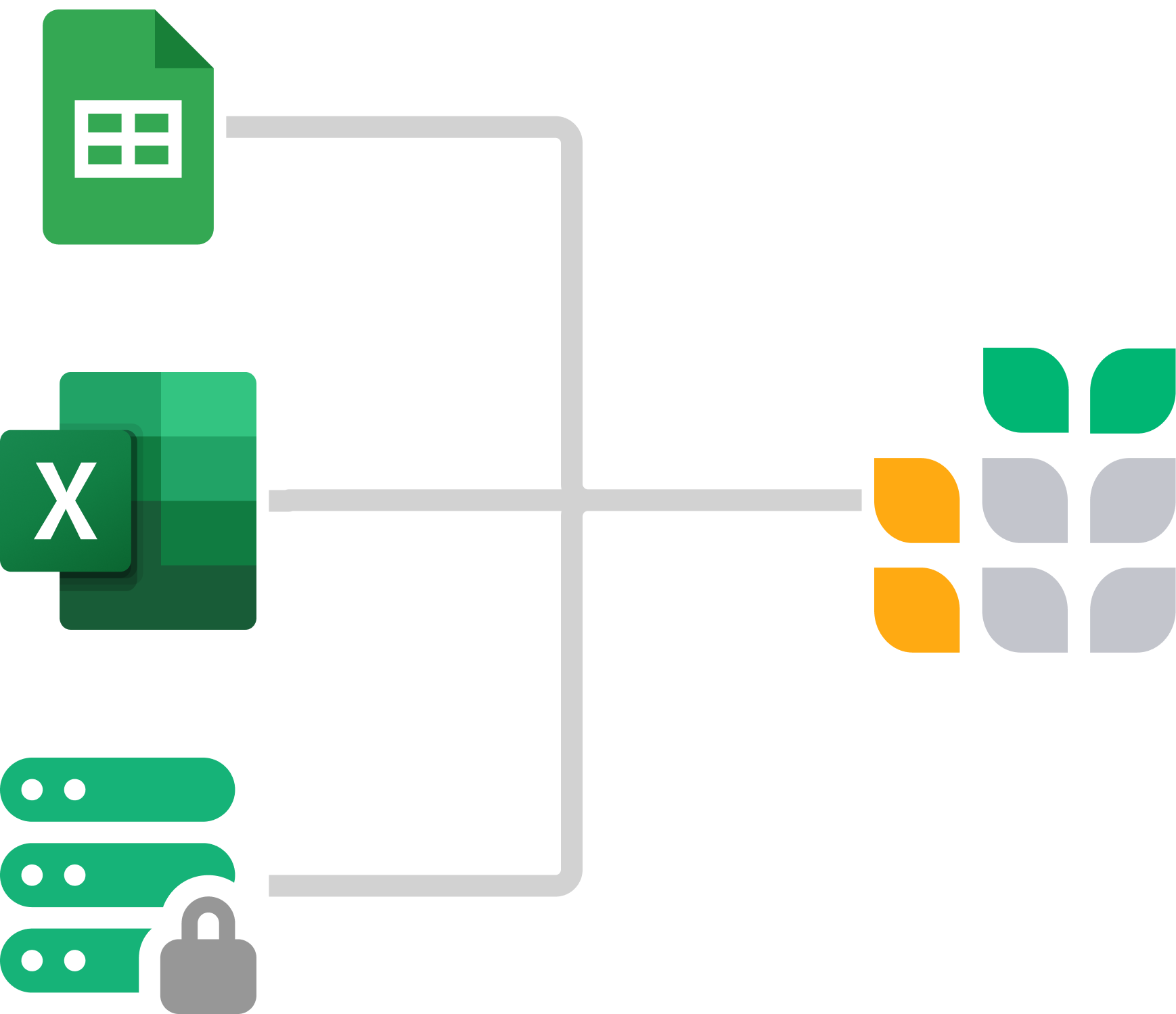
- Prepare your Excel file
- Headers: Ensure your data has clear headers in the first row.
- Unique datasets: Separate distinct datasets onto different sheets (e.g.,
Customerson one sheet,Oderson another).
- Import directly into Grist
- Native import: Drag and drop your existing
.xlsxfile directly into Grist. - Automatic structure: Each sheet automatically transforms into a separate table within your new Grist document.
- Type detection: Grist intelligently detects columns such as
Numeric,Date, orText.
- Native import: Drag and drop your existing
- Convert VLOOKUPs to relationships
- Link tables: Replace
VLOOKUPchains with Reference Columns to link data (likeCustomerstoOrders) dynamically. - Incremental imports: Use “Update existing records” to merge new Excel data into Grist without creating duplicates.
- Link tables: Replace
PROFESSIONAL SERVICES
Build with an expert
Need a solution built in Grist? Let our experts do the work.
Plan your solution
Identify workflow pain points, and improvements.
Design for your needs
Leverage Grist’s flexibility to your advantage.
Build with experts
Work with our experts to get to your solution quickly.
Frequently asked questions
Is Grist a free Excel alternative?
Yes. Grist offers a permanently free plan for individuals and small teams, which includes full features and real-time collaboration with a limit of 5,000 rows per document. For those with technical expertise, Grist is open-source, allowing you to self-host the software on your own server without row limits or subscription fees.
Can Grist handle my complex Excel queries and relationships?
Grist is a fully relational database, meaning your VLOOKUPs and XLOOKUPs are replaced by actual relationship links. This makes querying faster and more intuitive. Most complex Excel models become significantly simpler once structured relationally.
How does Grist prevent the version control nightmare of shared Excel files?
There is only one version in Grist — the current one. Everyone works on the same document simultaneously with real-time updates. Grist automatically captures snapshots of your data, creating a complete history you can browse and restore from, eliminating the need for “Save As” file proliferation.
Can I still use my existing Excel macros and VBA code?
VBA macros won’t transfer directly, but you likely won’t need them. Most VBA exists to work around Excel’s limitations (like enforcing data rules or updating multiple sheets). Grist handles these natively. For complex automation, you can replace VBA with Python formulas, which are more powerful and easier to maintain.
How do we prevent accidental data deletion (the “overwrite risk”)?
Unlike Excel’s all-or-nothing sharing, Grist uses granular access rules. You can control permissions down to individual cells, such as setting columns to read-only for specific departments or preventing row deletion for everyone except admins.
Is Grist suitable for massive datasets that make Excel crash?
Grist is optimized for performance. While Excel may technically allow millions of rows, it often becomes unstable with complex formulas. Grist maintains speed and stability for datasets up to 150,000 rows per document on SaaS plans, with higher limits available for self-hosted Enterprise plans.
Get Started
Templates
Lab Project Management Template
Manage all projects in your lab, and effectively track tasks by project, person, and due date.
View TemplateInventory Tracking Spreadsheet
Manage your inventory and track incoming and outgoing orders, all in one place.
View TemplateLightweight CRM Template
Manage customer info and interactions in a user-friendly, spreadsheet-style CRM template.
View Template